![Final_Logo_FHM.png]](https://knowledge.fullhealthmedical.com/hs-fs/hubfs/Final_Logo_FHM.png?width=287&height=90&name=Final_Logo_FHM.png)
If a programme is delivered in multiple locations, the location search facility allows a client to search for locations in order of proximity to their home.
To enable the location search feature, ALL locations available within a programme must include an address.
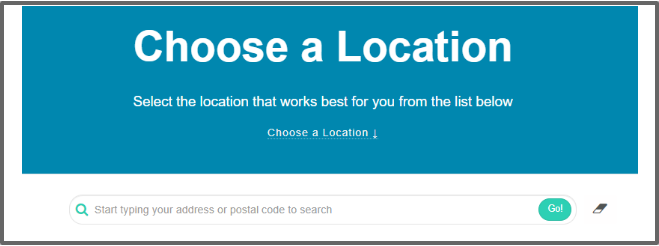
- On the booking page, the client is prompted to enter their address or postal code.
- Clicking on Go will complete the search
- The locations will be arranged based on proximity to the client's postal code, with the closest ones displayed at the top of the list for easy access.
- The system will also display the distance to each location.